

Nature is the classroom. The field book captures the experience.
Pupils collect photos, sounds, measurements and notes on the trip – tailored to their age – and the class plays, compares and makes a book afterwards.
One trip – tailored to age
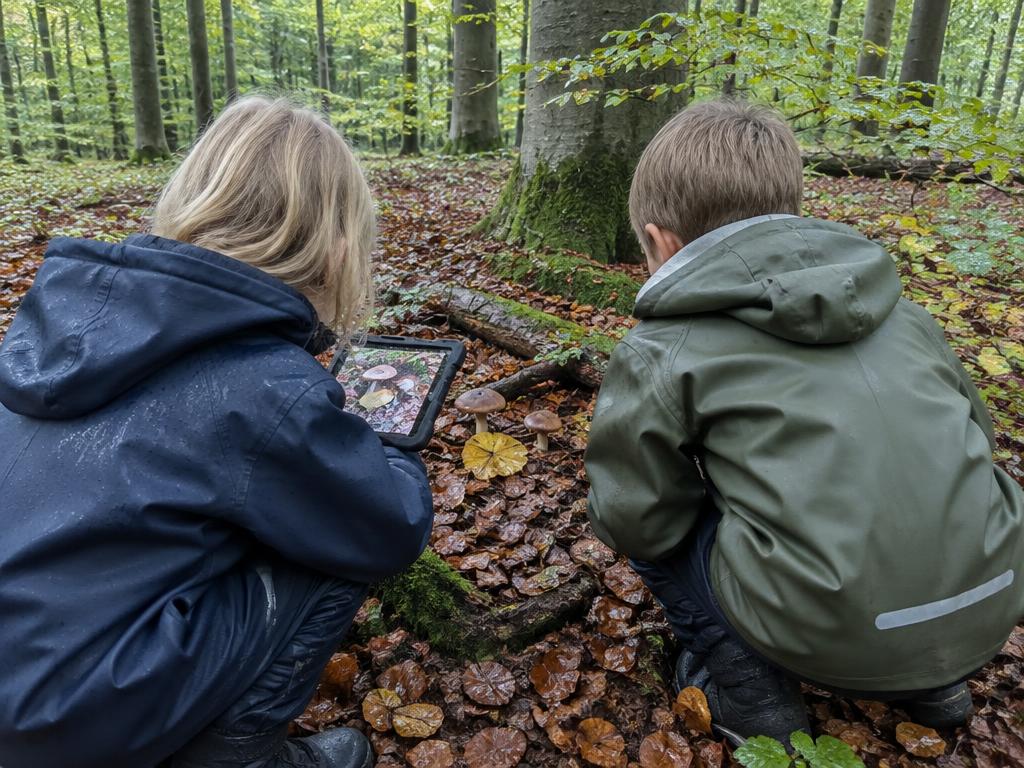
Grades 0–2
Early years
- • Photos and stickers
- • Tasks read aloud
- • Nature bingo
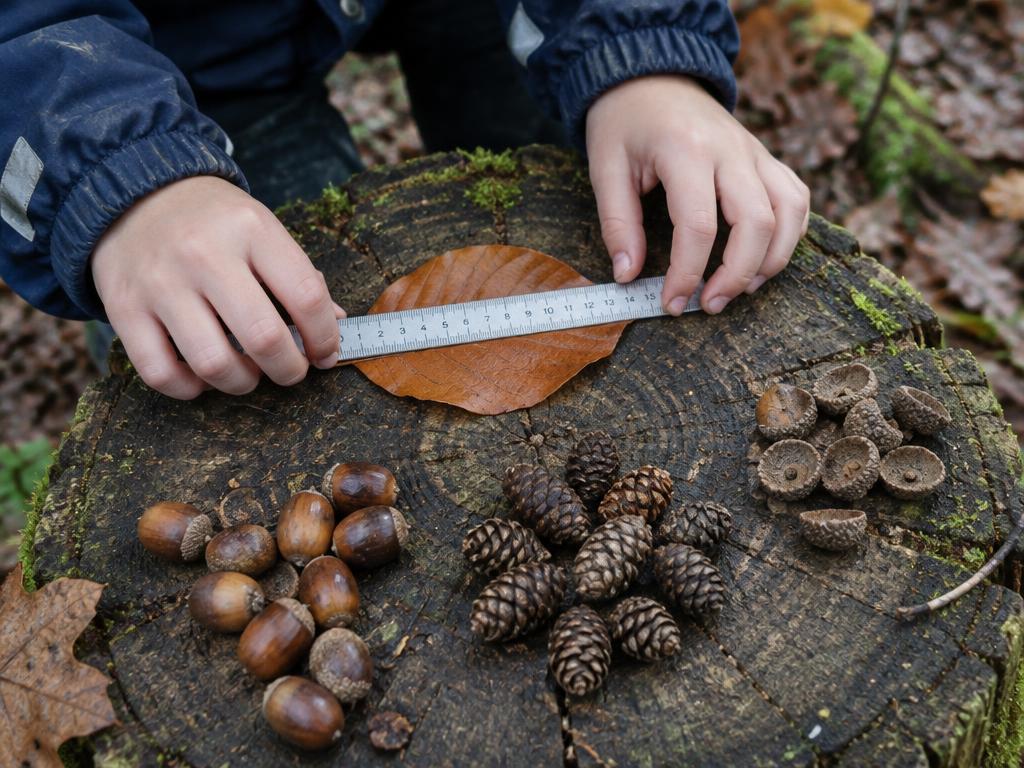
Grades 3–6
Middle years
- • Sorting game
- • Measurements with a live chart
- • Treasure hunt
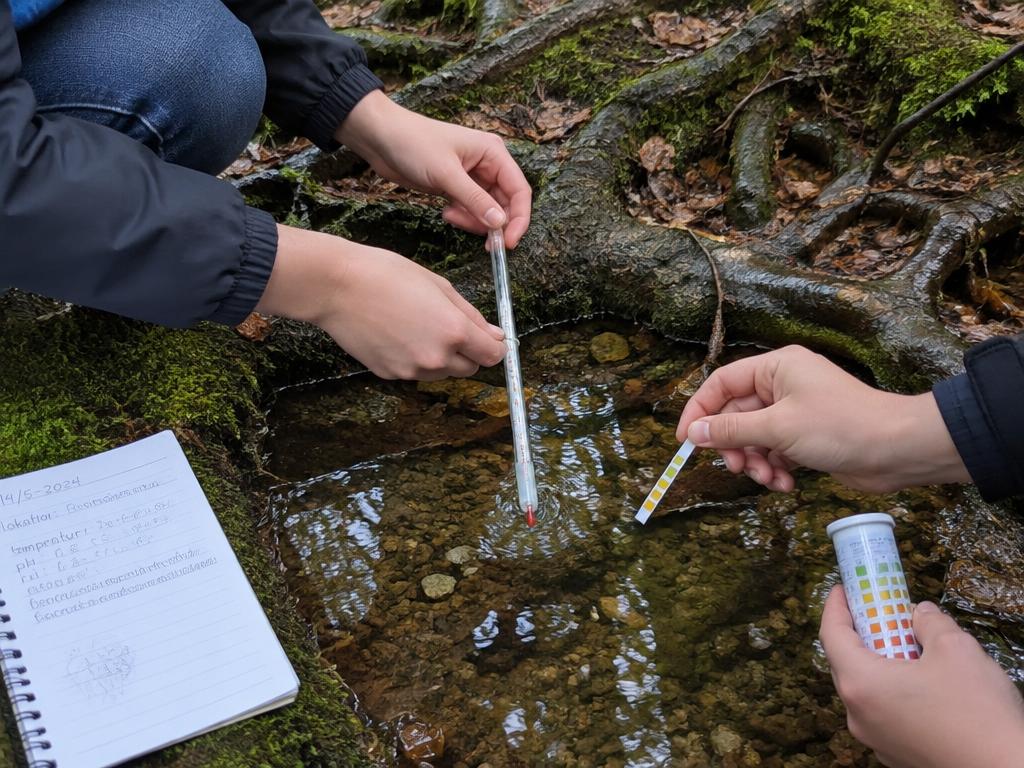
Grades 7–10
Upper years
- • Class data challenges
- • Mystery photos
- • Reflection and book
How a trip works
- 1
The teacher plans
Named spots and data challenges are set up before the trip.
- 2
Pupils collect finds
Photos, sounds, notes and measurements – even offline. Finds are sent when the connection returns.
- 3
The class solves together
Challenges are compared across spots, mystery photos become a game, and the teacher follows each pupil in the class overview.
- 4
The trip becomes a book
With one tap the finds become a book the pupil can show.
What is it? A mystery-photo round
The pupil shows only a small square. Each wrong guess gives a new clue and zooms out a little.
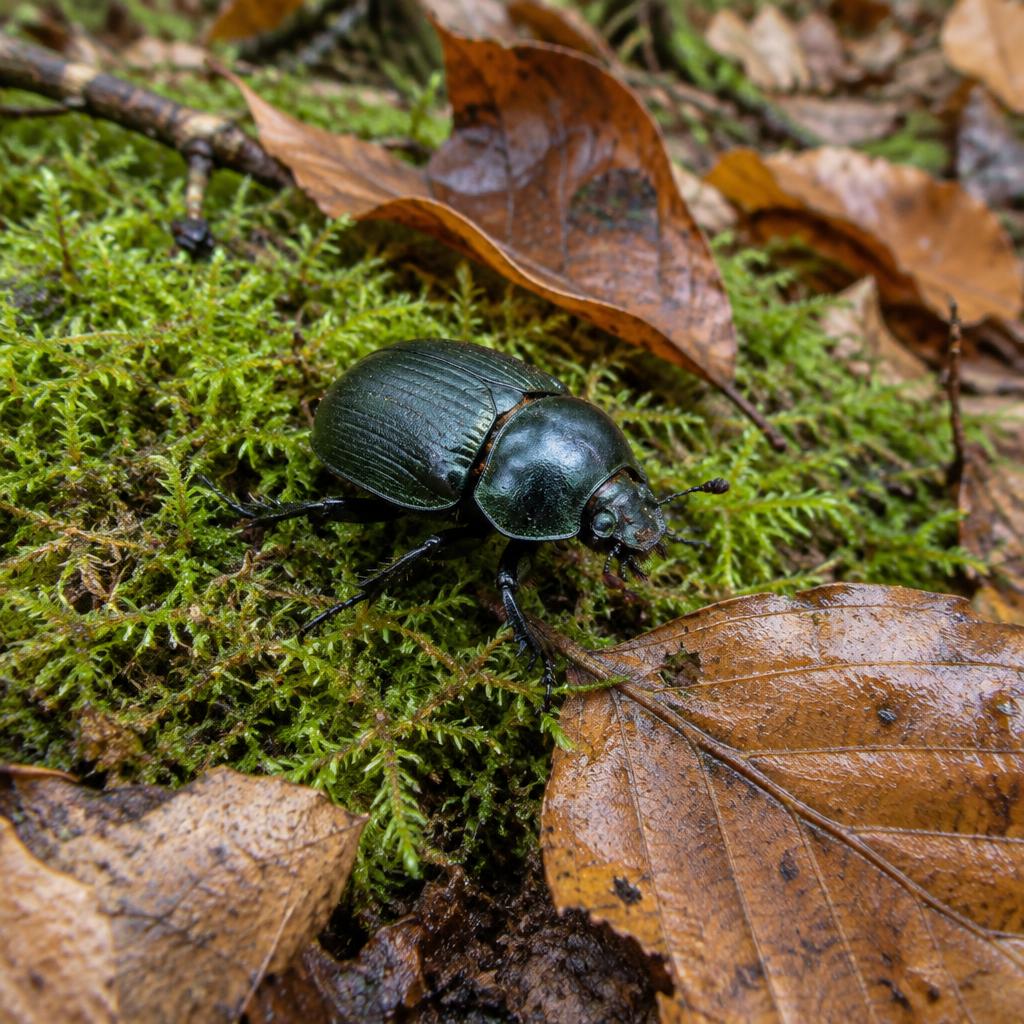
First look
It has six legs
After a wrong guess
Guess: A stone
It lives on the forest floor
Revealed
Answer: Beetle
Everything the field book does
Missions and stamps
Small tasks on the trip earn stamps and a celebration when the class reaches the goal.
Named spots
The teacher adds spots like "The lakeside" or "The forest edge", and pupils pick them on the trip.
Class data challenges
Everyone measures the same thing – e.g. temperature – and sees average, lowest and highest per spot once they have sent theirs.
Mystery photos
The pupil shows a small detail with up to 3 clues. The class gets 3 guesses.
Works offline
Finds are saved on the device and sent when the connection returns.
The trip becomes a book
Finds and stickers become a book the pupil can show.
The whole class at a glance
The teacher sees each pupil's trips, photos, finds and challenges in one place – and who is missing.
Download the numbers as a spreadsheet
The class's measurements download to Excel with average, lowest and highest per spot.
Approved by the teacher
Nothing is shared with the class until the teacher says yes.
Examples from the classroom
Science in the forest
Early years play nature bingo and collect photos with stickers.
The stream in biology
Upper years measure temperature and pH at three spots and compare afterwards.
Back in the classroom
The mystery photos become the day's shared game, and the trip ends as a book.
Security & compliance
Private photos
Pupils' finds stay private until the teacher approves that the class may see them.
No tracking of pupils
The field book does not record where the pupil is.
The answer stays on the server
A mystery photo's answer never reaches classmates' screens before the round is over.
The teacher is in control
The teacher can always remove a photo again.
Frequently asked questions
Do we need a connection on the trip?
No. Finds are saved on the device and sent automatically when there is a connection.
Can classmates see a pupil's photos?
Only mystery photos the teacher has approved – and only the part that has been unlocked.
Can we use the numbers in maths afterwards?
Yes. The teacher downloads the class's measurements as a spreadsheet, ready for Excel.
Does the field book record where the pupil is?
No. The field book does not store the pupil's location.